✨Assist: Designing AI workflows for legacy platforms at scale
My Process
Building precedence - I audit existing workflows and other applications while simultaneously getting crystal-clear on the problem space. User interviews accompany this phase.
Pair the why with the what - Moderated usability sessions tell me why users behave the way they do. Quantitative tools like Heap and heatmapping tell me what they're doing at scale.
Stay in the room - I work closely with PMs and engineers throughout, not just at handoff. The best decisions emerge from brainstorming and ideating together through transparent collaboration and riffing sessions.
Reuse before you invent: I think in systems first. Before designing anything new, I look for what already exists that can be extended, adapted or reused.
Finesse and close the gap: I use Figma and Claude Code together to push further into the space between what I design and what actually ships or can be integrated into the codebase/component library.
The result
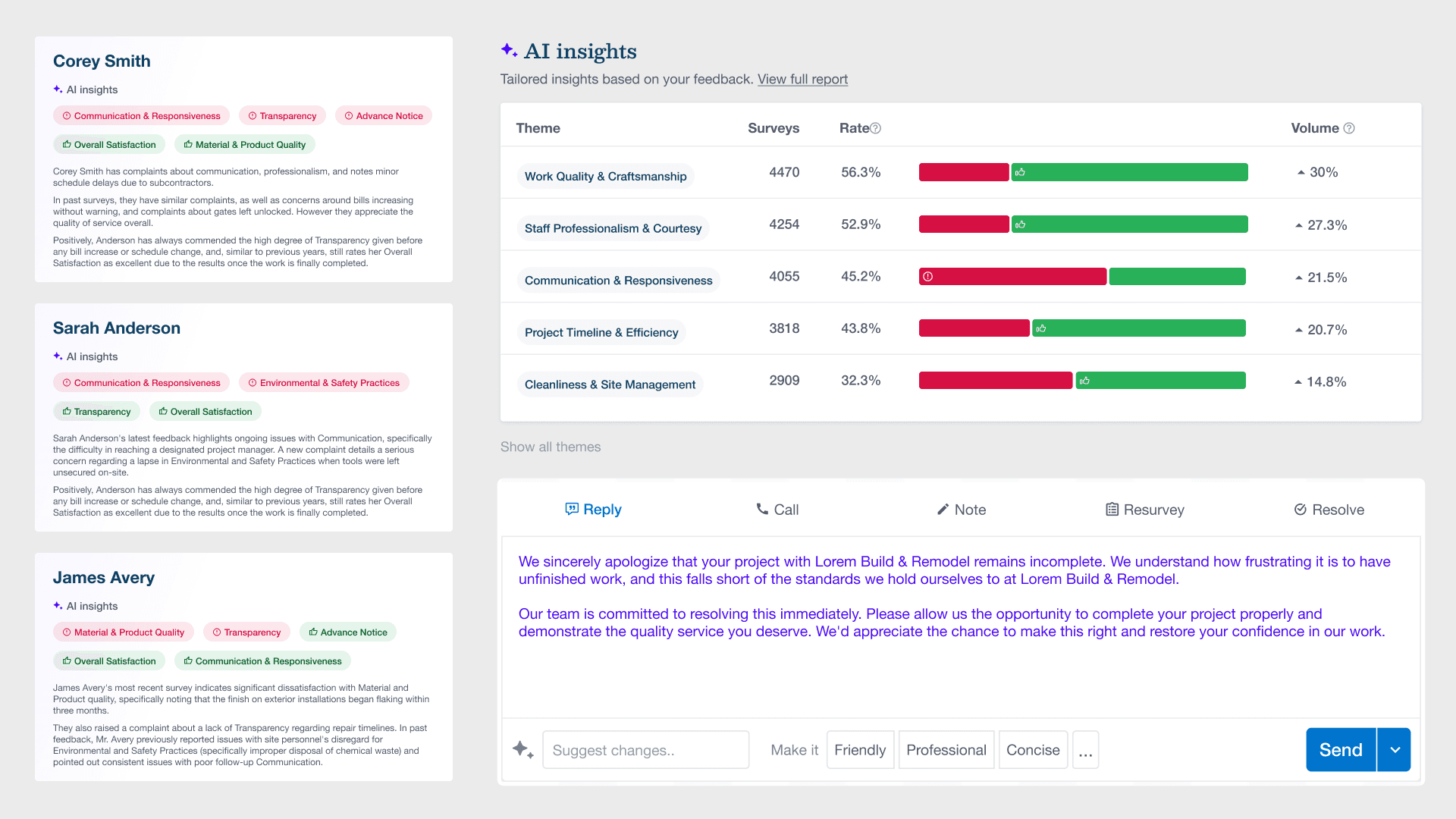
A 0→1 AI feature set consisting of customer survey insights, major themes and ability to respond via AI. We shipped to thousands of clients and measurably reduced customer response times across EverCommerce's core products.
The challenge
EverCommerce's first AI exploration had no playbook. Before designing anything, I audited every unique context across 2-3 legacy products where AI assistance needed to live, finding a single pattern flexible enough to span all of them.
The intelligence layer
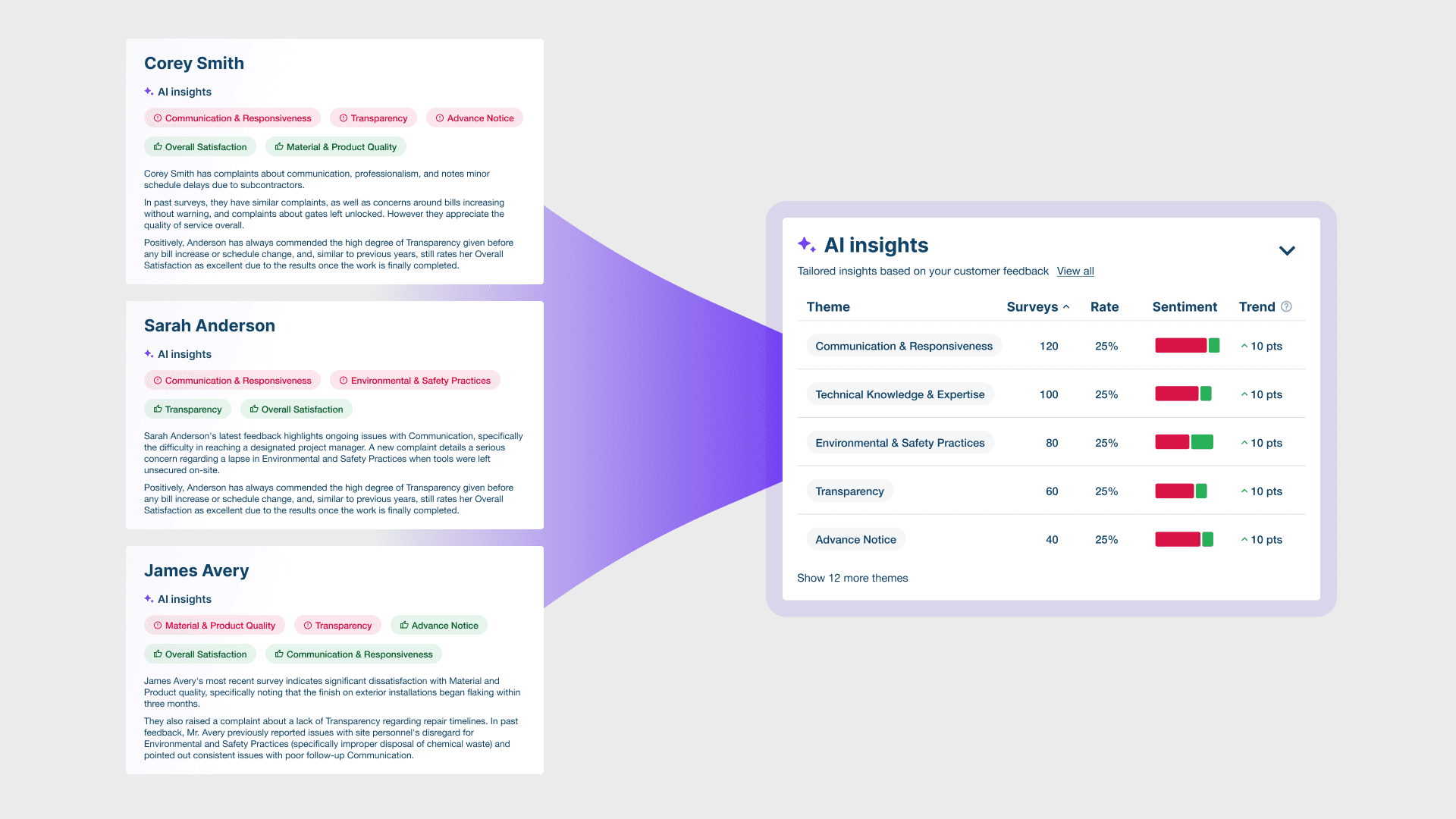
Before a professional can act on an at-risk customer, they need to know who that customer is and what went wrong. AI Insights solves this upstream problem: monitoring survey feedback in real time, flagging dissatisfied customers, and generating AI summaries of the sentiment behind each one. Recurring themes are ranked and surfaced across teams and locations, so issues can be identified at scale rather than case by case. Insights is the diagnosis. Assist is the treatment.
The "subtle-first" principle
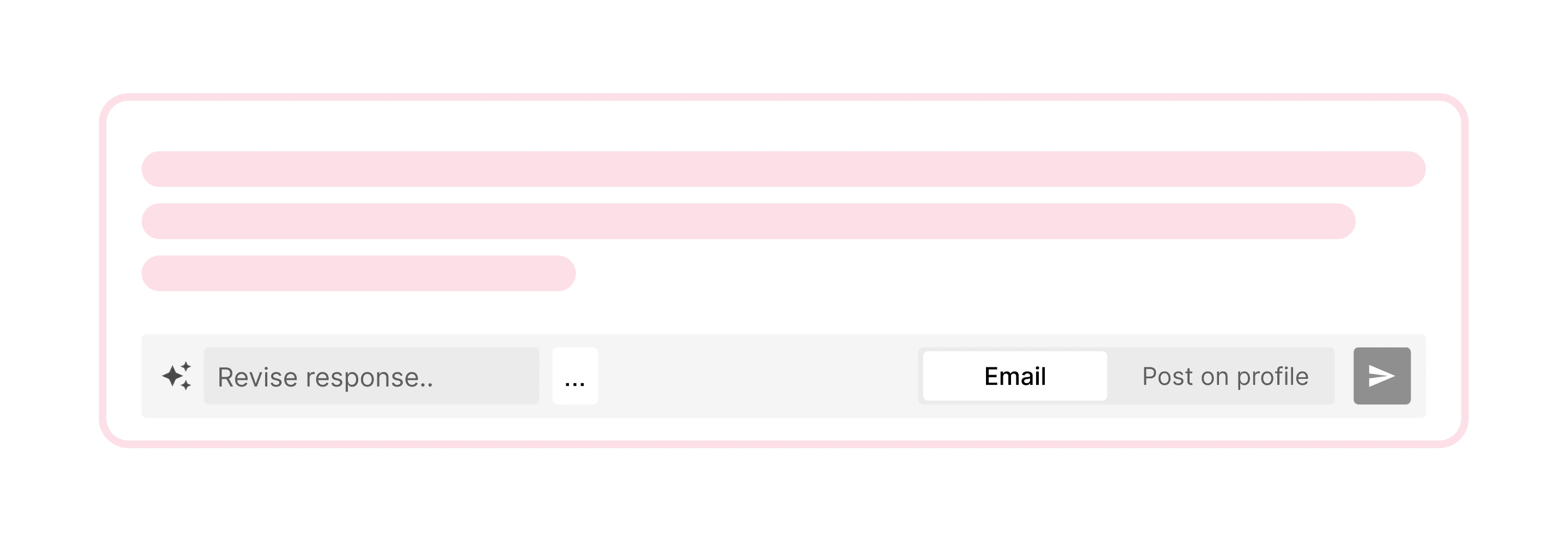
The core insight was placement. Inspired by Superhuman and Apple Intelligence, Assist lives at the bottom of existing text inputs, never above the fold, never a modal, always where the user already is.
Anticipating user needs
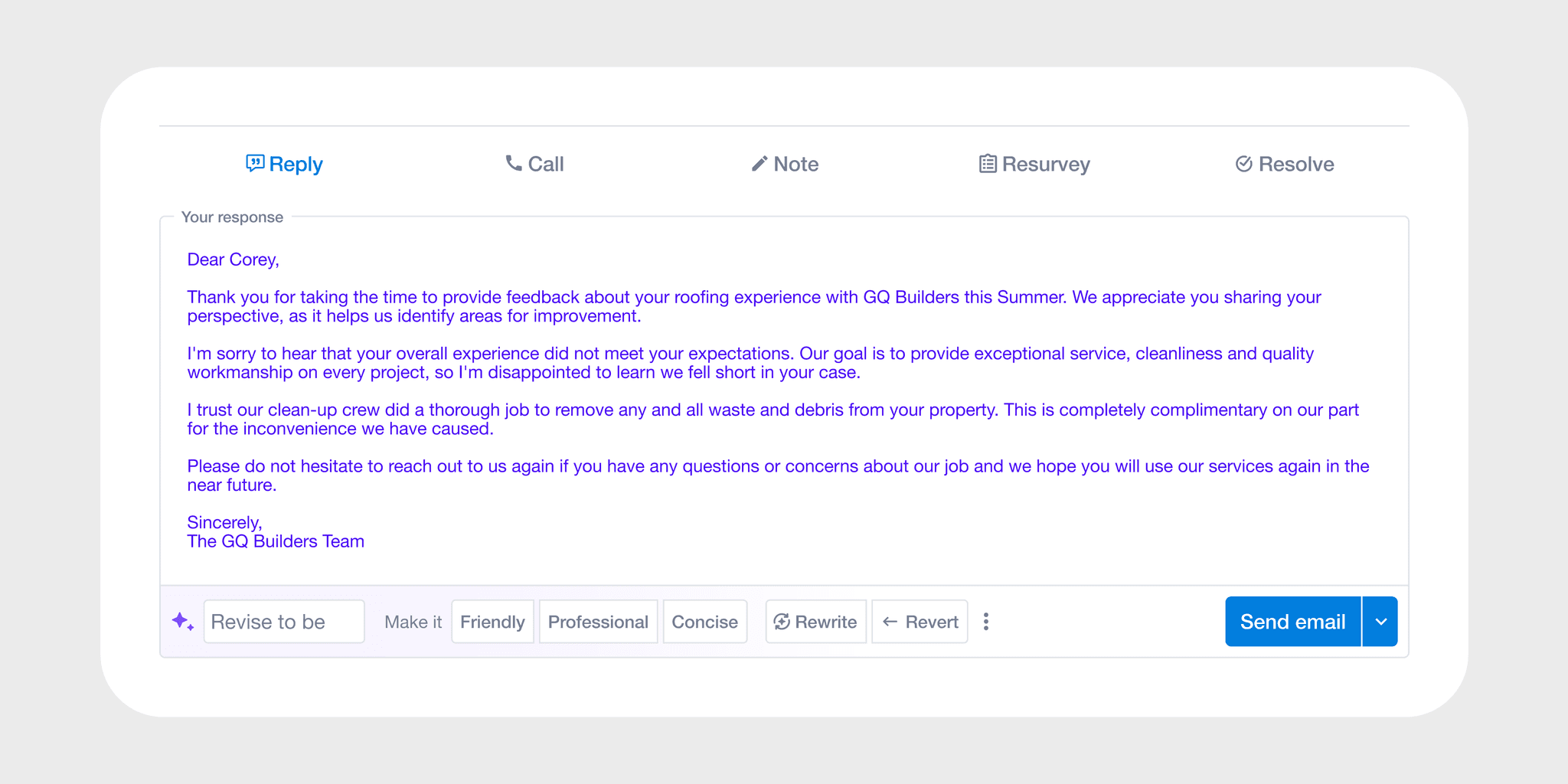
Being of service to users, Assist introduced shortcut-based editing patterns, letting users refine, shorten, or adjust tone without rewriting from scratch. The interaction model was directly informed by interactions like autocomplete, adapted for the specific context of customer response workflows.
Evolving scope
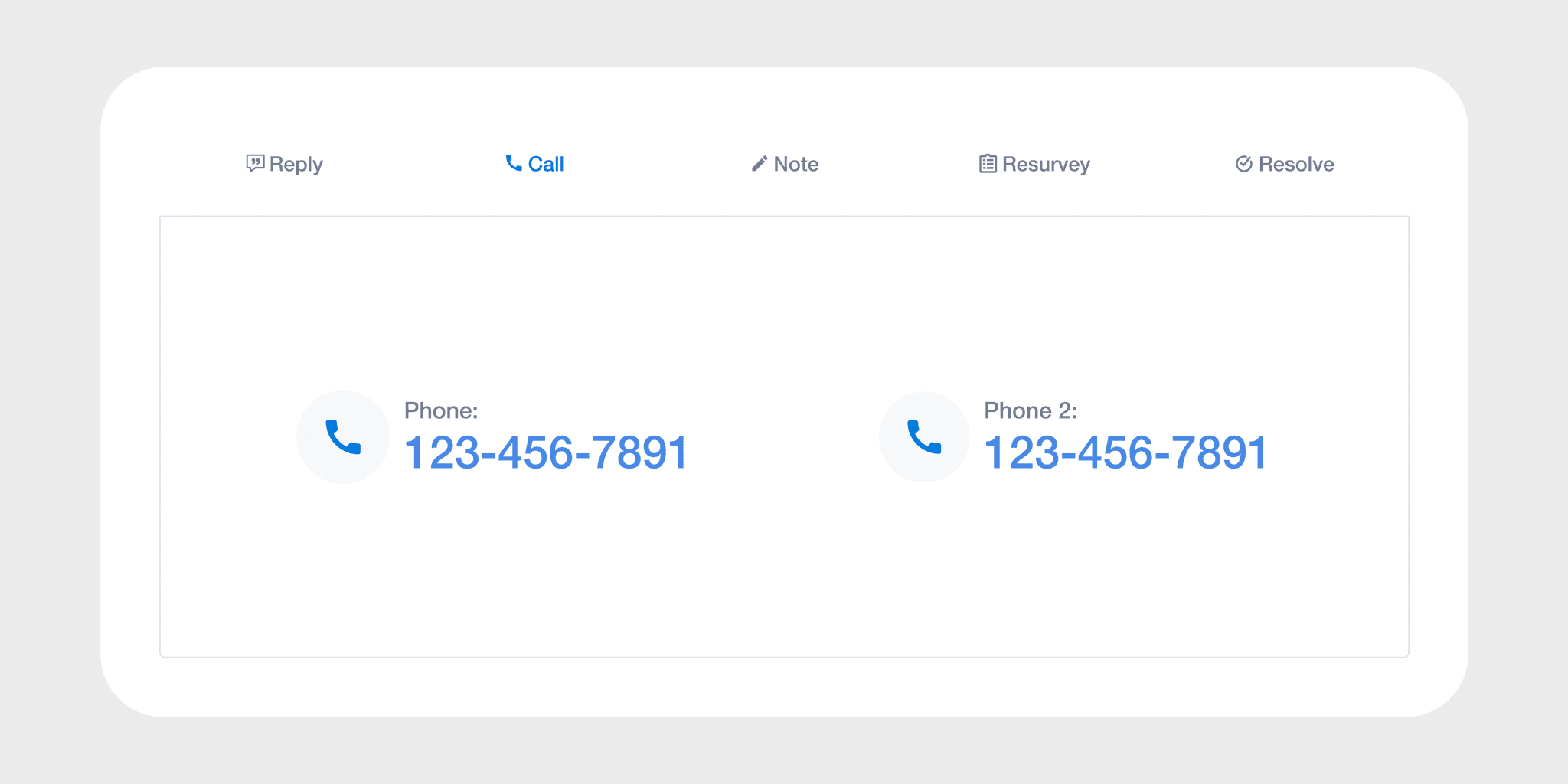
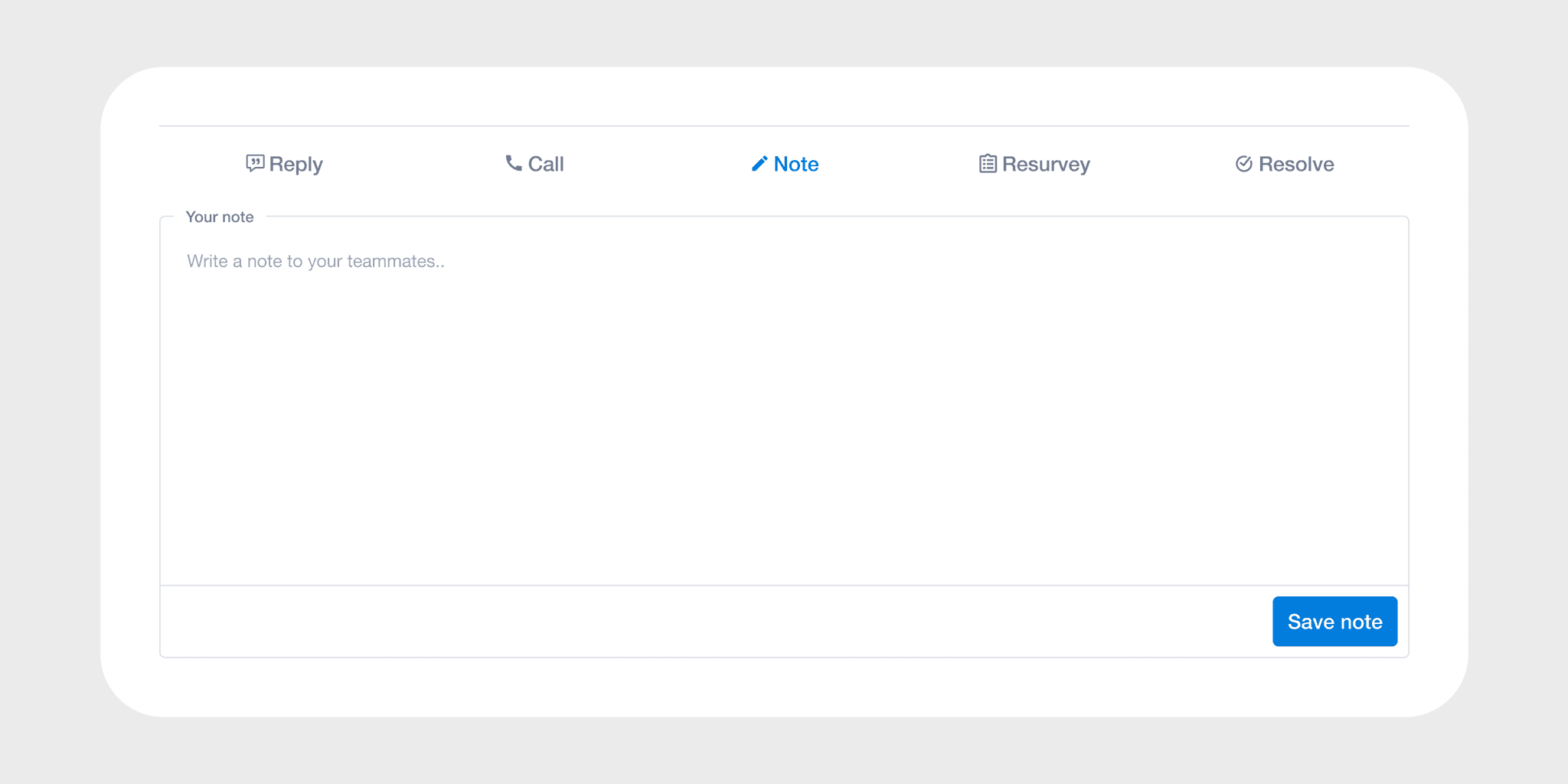
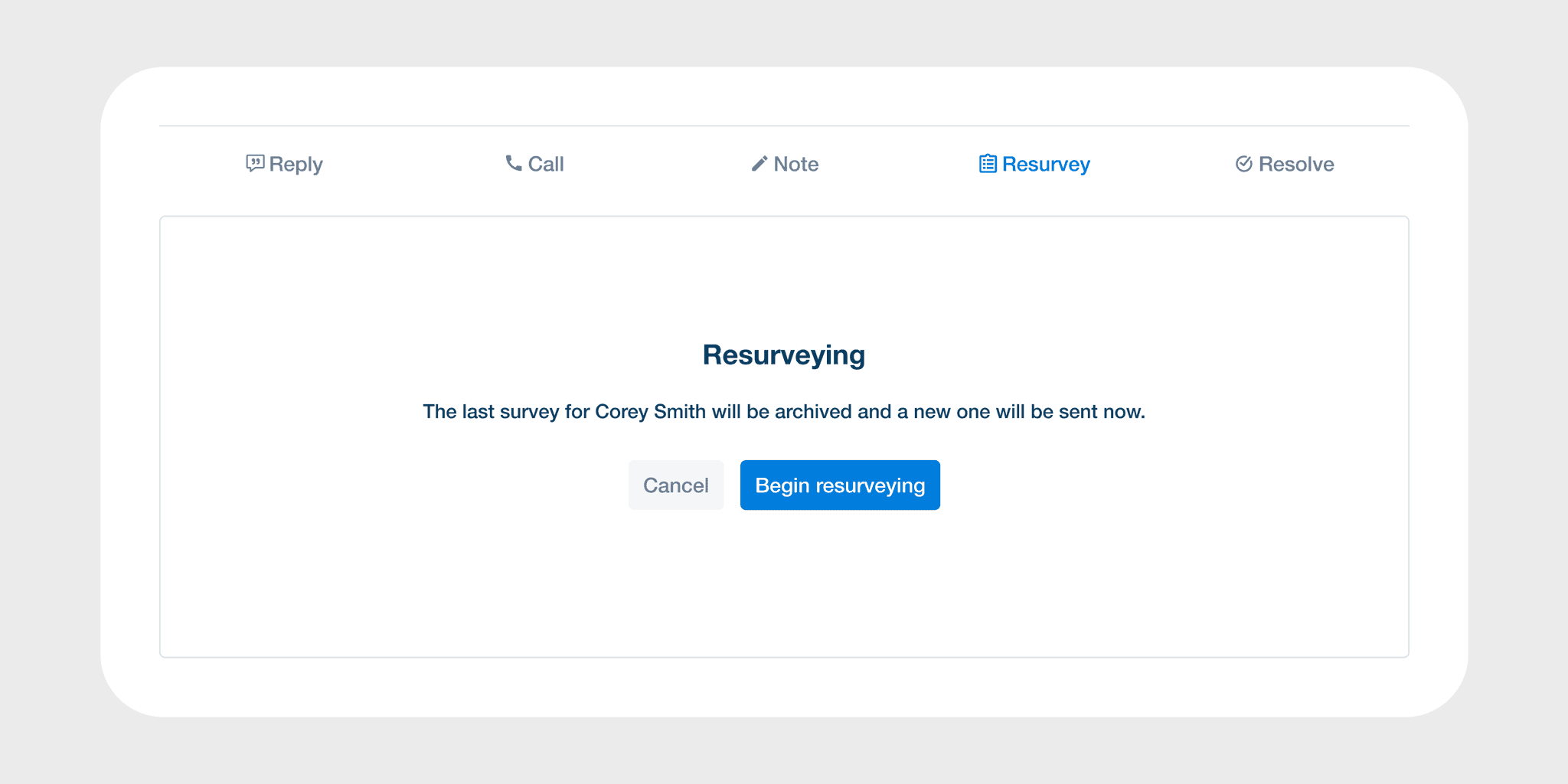
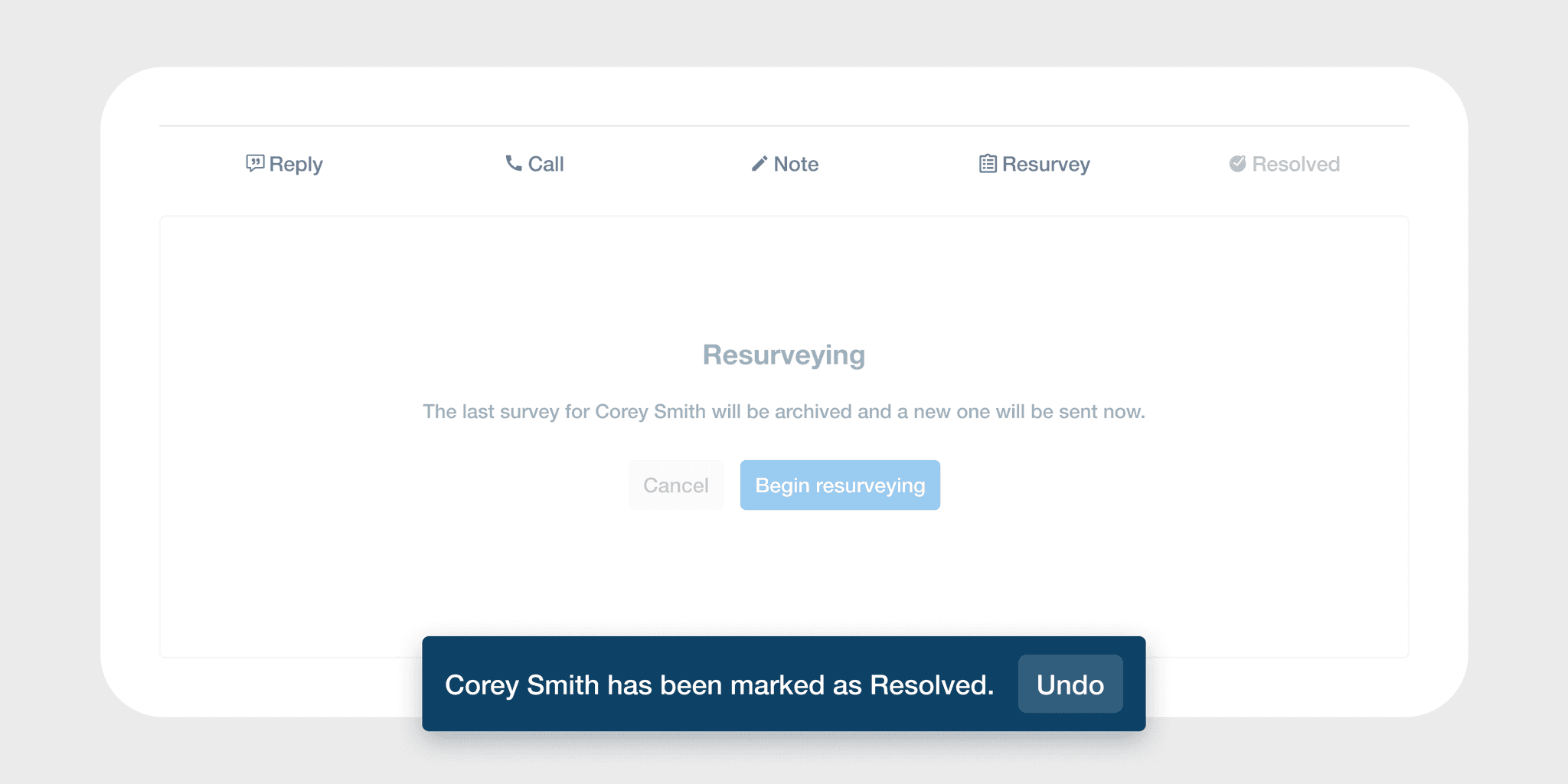
What started as AI response generation grew into a full resolution workflow: reply, call, note, resurvey, resolve. The Resolved state wasn't in the original brief, rather it emerged from asking what it actually means to recover an at-risk customer relationship.
Accessibility — Designing for Every User
The AI Insights dashboard was redesigned to eliminate color-only risk indicators — a pattern that creates real barriers for color-blind users making decisions about at-risk customers. Universal iconography and WCAG AA color tokens replaced them, ensuring risk signals could be read by anyone. Clearer for everyone, accessible for all.
Outcomes
Assist launched to strong adoption with measurable impact on response times and revenue retention. More durably, it established the design language and component foundation for every AI feature that followed.